Stop ISP Throttling During Football Season: VeoTT Stability Guide
August 19, 2026 · 10 min read
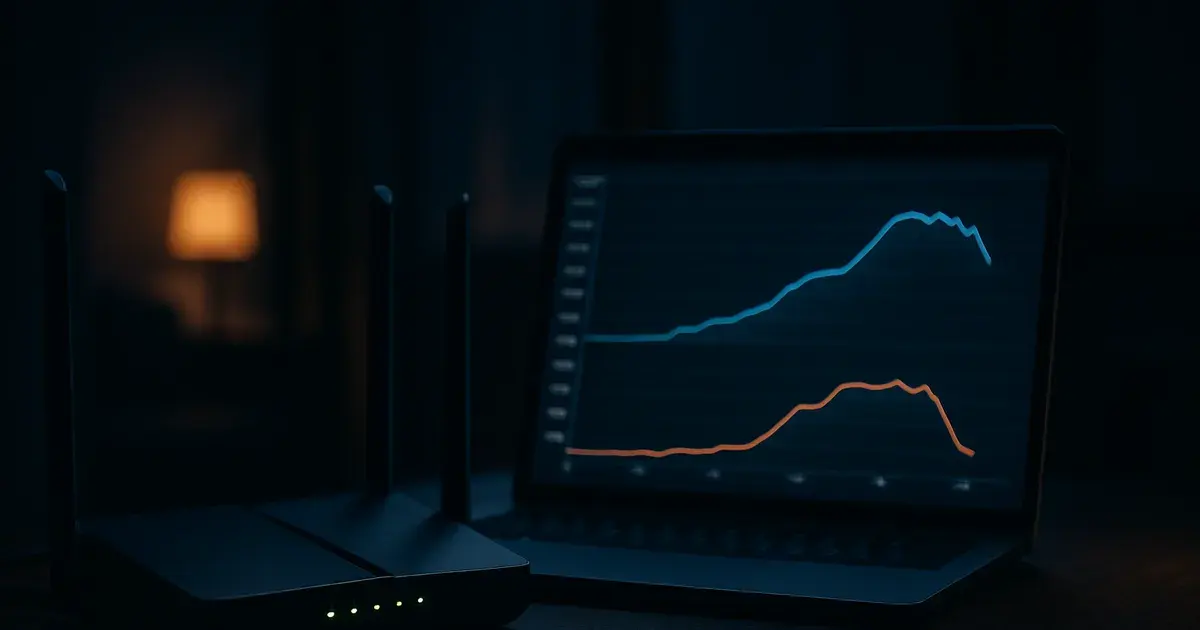
The 2026 NFL regular season opens Wednesday, September 9, when the Seahawks host the Patriots — just three weeks from now. Every year around this time, the same complaint floods forums and support inboxes: streams that worked fine all summer suddenly stutter, drop resolution, or freeze during the exact minutes a game matters most. Most people blame their IPTV provider. Often the real culprit is sitting between the router and the internet: the ISP itself.
Search interest in "ISP throttling IPTV" climbs every August and stays elevated through the football and basketball calendar, then fades in the off-season. That pattern isn't a coincidence — it tracks almost exactly with when ISPs' traffic-management systems get busiest and most aggressive. Understanding how that throttling actually works, and how to tell it apart from ordinary buffering, is the difference between fixing the real problem and wasting a Sunday afternoon restarting a router that was never the issue.
This guide covers how to detect throttling with a specific test, why sports streaming triggers it more than other video traffic, five concrete network changes that reduce or bypass it, and what to do when the ISP itself won't budge.
How ISP Throttling Differs From Ordinary Buffering
Buffering and throttling look identical on screen — a spinning wheel, a frozen frame, audio that keeps going while video catches up — but they have different causes and need different fixes. Buffering is usually local: your device, your Wi-Fi, or the stream's source server can't keep pace for a moment, so the player pauses to rebuild its cache. It tends to be short, inconsistent, and unrelated to time of day.
Throttling is different. It's your ISP's network deliberately capping the bandwidth allotted to traffic it has classified as video streaming, VPN, or peer-to-peer — regardless of your plan's advertised speed. The signature is: the problem shows up at roughly the same time every evening (commonly 7pm–11pm local, which happens to overlap primetime and most kickoff windows), it affects streaming specifically while web browsing and downloads stay fast, and a wired connection doesn't fix it because the cap is applied upstream of your router, not inside your home network.
A simple flowchart: if the slowdown happens only during streaming, only in the evening, and a speed test to a generic server still shows near-full bandwidth, you're almost certainly looking at classification-based throttling rather than a local buffering issue.
Not sure if it's your ISP or your setup? Ask a real person before kickoff.
Why ISPs Throttle IPTV Specifically During Sports Season
Most residential ISPs use deep packet inspection combined with machine-learning traffic classifiers, not simple port blocking. These systems look at encrypted traffic patterns — packet size, timing, burst rate, destination ASN — and build a probability score for what kind of traffic a flow represents, even when they can't read the actual content. Live video has a very distinctive signature: sustained high bitrate, low jitter tolerance, and steady multi-hour sessions. That signature is easy for a classifier to flag, and IPTV in particular often routes through server ranges that get bucketed the same way as generic 'streaming' or 'OTT video' traffic.
During football season, two things change simultaneously. First, aggregate demand spikes — everyone on the same node is streaming a game at once, which is when ISPs are most likely to apply congestion-management policies rather than eat the cost of upgrading local infrastructure. Second, some ISPs run active partnerships or exclusivity deals with specific streaming platforms and have a commercial incentive to deprioritize traffic that doesn't belong to a partner, even if they'd never state that publicly. Neither reason has anything to do with the quality or legality of the IPTV service you're paying for — it's a network-level policy applied to traffic patterns, not a judgment about content.
This is also why the complaint is seasonal rather than constant: the classifier's confidence and the ISP's willingness to throttle both rise with congestion, and congestion rises with game-day demand.
How to Diagnose If Your ISP Is Throttling Your IPTV Stream
The most reliable home test doesn't require special tools. Run a standard speed test (Ookla or similar) during a throttled stream, note the result, then immediately run the same test through a VPN pointed at a server in your own country — same distance, same general route, encrypted so the classifier can't fingerprint the traffic type. If your unencrypted speed test is dramatically lower than your VPN'd speed test at the same moment, that gap is the throttling signature. If both numbers are similar and both are low, the bottleneck is more likely genuine congestion or a local network issue, not targeted throttling.
A second, more technical check: install a free packet-analysis tool (Wireshark on desktop, or a router-level traffic monitor if your router supports it, like a device running OpenWrt) and watch the throughput graph for your streaming session specifically. Steady bandwidth that suddenly plateaus at a round number — exactly 5 Mbps, exactly 10 Mbps — regardless of what your plan advertises is a strong sign of an applied cap rather than organic network variance, which tends to be noisier and less exact.
Run both tests at two different times: once during your normal problem window (evening, game time) and once at 3am. If the gap between direct and VPN speeds disappears late at night, you've confirmed the cap is time-based and demand-driven — exactly the pattern described above — rather than a permanent line-quality problem.
5 Network Optimization Techniques to Reduce or Bypass Throttling
**1. Ethernet over Wi-Fi.** This won't fix ISP-level throttling, but it eliminates a huge chunk of the buffering that gets misdiagnosed as throttling. Wi-Fi introduces packet loss and jitter that a wired connection doesn't, and during a crowded evening with multiple devices on the same 2.4GHz band, that loss compounds. Rule out this variable first — connect the streaming device directly to the router before troubleshooting anything upstream.
**2. QoS priority rules.** Most modern routers let you set Quality of Service rules that prioritize traffic to specific device MAC addresses or IP ports. Prioritizing your streaming box's traffic ahead of background downloads, cloud backups, and other devices on the network reduces internal contention, which matters more during the exact high-demand evening hours when throttling is also most likely.
**3. DNS switching.** Some ISP traffic classification pipelines key off DNS resolution patterns as one signal among several. Switching from the ISP's default DNS to a third-party resolver (Cloudflare's 1.1.1.1 or Google's 8.8.8.8) doesn't guarantee bypassing classification, but it removes one of the easiest signals the ISP has for building a traffic profile, and it often improves resolution speed as a side benefit.
**4. VLAN segmentation.** On a router or network that supports it, putting your streaming device on its own VLAN separates its traffic pattern from the rest of the household's, which can reduce false-positive classification triggered by combined traffic (for example, a laptop torrenting a large file on the same connection at the same time as your stream). **5. Multicast optimization.** If your router and ISP both support IGMP snooping, enabling it on the streaming device's network segment reduces unnecessary broadcast traffic that can otherwise contribute to the congestion an ISP uses to justify throttling in the first place.
VeoTT-Specific Best Practices
Not all IPTV connection methods look the same to an ISP's classifier. M3U playlist links are typically simple HTTP or HTTPS requests to a file, followed by a direct stream connection — a pattern that's easy to fingerprint as generic media traffic. Xtream Codes-based connections use an API-driven authentication handshake before the stream starts, which produces a different, often less distinctive traffic signature. If your player supports both, testing Xtream login for your VeoTT account alongside your usual M3U setup is worth doing specifically during your problem window to see whether the throttling gap narrows.
Server selection also matters more than most subscribers realize. A server route that passes through fewer network hops, or through infrastructure your ISP peers with directly rather than through a third-party transit provider, is both faster and less likely to sit in a congested path during peak hours. If your VeoTT setup offers multiple server or connection options, testing an alternate one during a previously throttled game is a low-effort way to isolate whether the issue is route-specific.
Because premium IPTV services like VeoTT operate on stable, dedicated infrastructure rather than the shifting, often-flagged server ranges piracy sites rely on, the traffic pattern itself tends to be more consistent and less likely to trip aggressive classification — but consistency of the source doesn't override an ISP's decision to throttle by category. Pairing a stable service with the network changes above is what actually closes the gap. For the full setup path from account to first stream, see the VeoTT subscription guide, and for game-day-specific tuning, the VeoTT NFL 2026 setup guide walks through the settings worth locking in before kickoff.
When Throttling Isn't Fixable — Alternative Solutions
Some ISPs apply throttling at a network-tier level that no client-side change will get around, particularly on data-capped or heavily oversubscribed rural and satellite connections. If the VPN test above shows a large, consistent gap that persists across every technique in this guide, the next step is a direct conversation with the ISP rather than more router tinkering. Ask specifically whether your plan includes traffic management or network prioritization policies — many ISPs are required to disclose this in their terms of service, and asking the question directly, in writing, often gets a more honest answer than a general support call.
Upgrading to a plan tier with a higher committed information rate, or switching from a shared-node service (cable, some fiber-to-the-node setups) to a dedicated-line service where available, removes the congestion that gives the ISP a technical justification for throttling in the first place. This is a real cost trade-off, not a universal recommendation — it only makes sense if the diagnosis above has already ruled out local network issues and confirmed the bottleneck is upstream and persistent.
For occasional peak-hour issues rather than a permanent cap, a practical workaround is simply shifting non-essential household bandwidth use away from kickoff windows — pausing cloud backups, large downloads, and 4K content on other devices during the two or three hours a game runs, which reduces the total load an ISP's system sees from your connection and can be enough to stay under the threshold that triggers throttling.
Get a stable connection built for game day before September 9 arrives.
Monitoring and Testing During Game Day
Run your speed-test-versus-VPN comparison about 30 minutes before kickoff, not after a problem starts. This gives a baseline reading while the network is calm and a second reading once the pre-game traffic surge begins, so you know within the first quarter whether tonight is a throttling night before it costs you a scoring drive. Keep the test simple enough to repeat quickly — a 15-second speed test is worth the interruption if it tells you whether to switch servers early.
Buffer detection during the game itself is mostly about pattern recognition: a single freeze that clears in under two seconds is normal network noise and not worth acting on. Repeated freezes on a regular interval, or a resolution drop that doesn't recover after a few minutes, is the pattern worth responding to — at that point, switching to an alternate server or connection method (see the VeoTT-specific section above) is faster than waiting to see if it resolves itself.
Having a failover ready before kickoff, not after the first freeze, is the single biggest difference between a ruined fourth quarter and a minor inconvenience. That means testing your player app's alternate server list and, if your household setup allows it, having a mobile hotspot as a genuinely separate network path — not on the same ISP account — as a last-resort backup. For player-level settings that reduce buffering independent of ISP behavior, see preventing buffering during games and the 4K IPTV optimization settings guide; for choosing hardware and apps built to handle live sports specifically, the best IPTV player app for sports 2026 comparison covers the options worth testing before September 9.
Frequently asked questions
How do I know if it's throttling and not just a slow IPTV server?
Run a normal speed test, then run the same test through a VPN at the exact same moment. If the VPN result is significantly faster, your ISP is likely applying traffic-based throttling. If both results are similarly slow, the bottleneck is more likely server load or local network congestion rather than ISP classification.
Does a VPN permanently fix ISP throttling of IPTV streams?
A VPN can reduce throttling because it encrypts traffic patterns the ISP's classifier relies on, but it isn't guaranteed — some ISPs throttle VPN traffic generically, and VPN routing can add its own latency. It's most useful as a diagnostic tool and a partial workaround, not a permanent structural fix.
Is Xtream Codes actually less likely to be throttled than M3U?
Xtream's authenticated API handshake produces a different traffic signature than a direct M3U file request, which can make it less predictable for some classifiers to flag. Results vary by ISP, so it's worth testing both connection methods on your own network during a known problem window rather than assuming one is universally better.
Why does throttling only happen during football games and not other streaming?
Throttling correlates with network congestion and traffic classification confidence, both of which rise sharply during high-demand windows like primetime football, when many households on the same local node are streaming simultaneously. Off-peak or off-season, the same connection often shows no throttling at all.
Will upgrading my internet plan fix throttling?
Only if the throttling is congestion-driven rather than policy-driven. A higher committed-rate plan or a dedicated-line connection removes the shared-congestion justification an ISP uses, but if the ISP applies category-based throttling regardless of plan tier, a faster plan alone won't resolve it — diagnose first with the speed-test comparison before paying for an upgrade.
What should I test before the September 9 kickoff, not during it?
Run the throttling diagnostic test at your usual game-time hour at least once before the season starts, confirm your player app's alternate server list works, and verify a wired connection to your streaming device. Doing this ahead of time turns game day into a quick server switch instead of live troubleshooting.
Read next: the pricing page or the FAQ.