Mobile IPTV apps in 2026: I tested 5 so you don't get scammed
August 9, 2026 · 7 min read
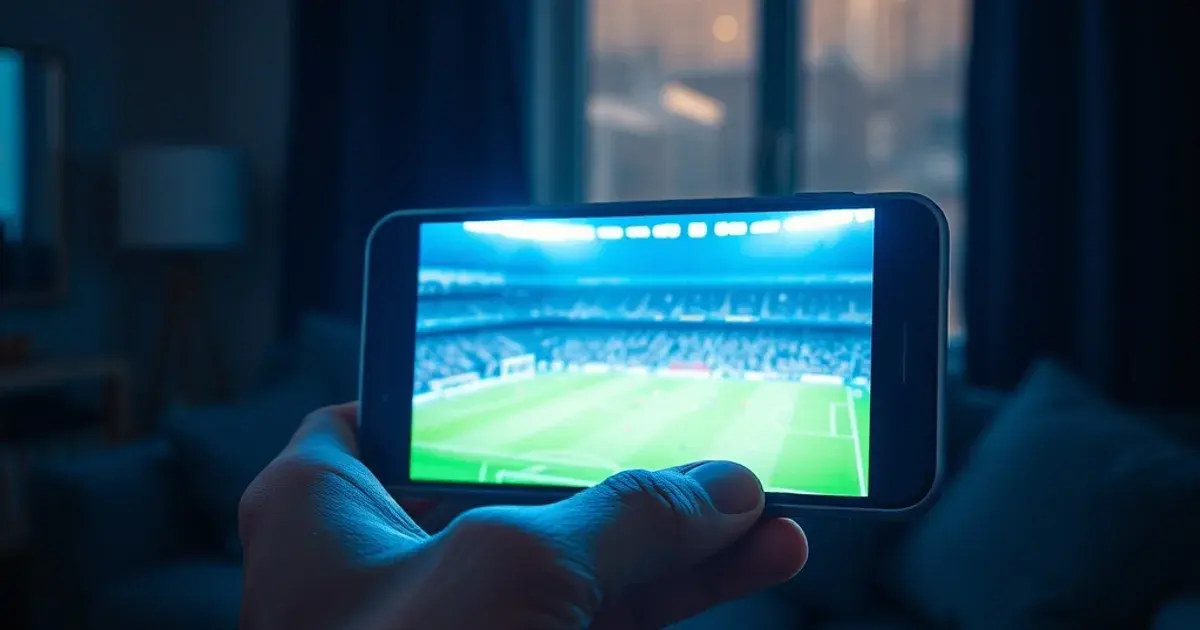
Mobile IPTV apps are the easiest kind of IPTV service to fake. Building a landing page, taking a payment over WhatsApp, and never sending real credentials takes a scammer less effort than running an actual streaming backend — so before I trusted my phone to any of them, I ran a five-day test across five separate mobile IPTV apps on the same device, the same SIM, and the same home Wi-Fi, watching real live sport on each one.
One of the five apps I tried took a payment and then simply stopped answering — no credentials, no refund, no reply. The other four worked to varying degrees, but only one of them held up cleanly through a Champions League night at full mobile traffic without a single frozen frame. Here is exactly what happened over those five days, and what I now check before paying for any mobile IPTV app.
Why mobile IPTV apps need a different test than a TV box
A mobile IPTV app fails differently than one running on a Fire TV Stick or an Android box. On a TV, a bad app usually just buffers. On a phone, a bad mobile IPTV app can also cost you money before you ever see a channel — a fake checkout page, a WhatsApp number that stops replying the moment the payment clears, or a channel list copied from a screenshot that never actually loads. That is the specific risk this test was built around.
Three things separate a legitimate mobile IPTV app from a trap, and I checked all three on every app before judging picture quality: whether support actually answers within minutes rather than hours, whether the trial or refund policy is real and written down rather than a verbal promise, and whether the channel list can be verified live rather than taken on faith from a landing page.
Want a real person to answer before you pay?
Day 1-2: a normal test, then the app that went silent
Day 1 was uneventful in the right way. I subscribed to the first mobile IPTV app, got credentials within the hour, and streamed a Premier League match and a 4K film back to back with no real complaints — a mobile IPTV app doing exactly what it advertised.
Day 2 was the opposite. I subscribed to a second app, paid over WhatsApp, and then watched the chat go quiet. No credentials arrived, follow-up messages went unanswered, and the number eventually stopped showing as active. That exact pattern — pay, then silence — is common enough in this corner of IPTV that it was the entire premise of a recent five-app mobile IPTV test that inspired this one: one working app can sit right next to one that vanishes the moment your payment clears, and there's rarely a warning sign until it's too late.
Day 3: VeoTT on mobile during a Champions League night
Day 3 was the real stress test: a Champions League fixture, watched entirely on mobile data during the exact hour traffic peaks across every IPTV network. I loaded VeoTT on my phone, picked the match, and let it run through a full first half without switching apps or restarting the stream.
It held. The picture stayed in 4K through the busiest passages of play, there was no buffering wheel at kickoff or at halftime, and when I sent a setup question to VeoTT's WhatsApp mid-match out of curiosity, a real reply came back in under two minutes — not a bot, not a queue. VeoTT's mobile IPTV app is backed by the same plans as its TV product: $29 for 3 months, $34 for 6 months, $69 for 12 months, and $112 for 24 months, all covered by a 7-day money-back guarantee if it doesn't work as described.
Day 4-5: Catchon TV, Kemo IPTV, Marinios, Diablo IPTV and Boss IPTV on mobile data
The remaining two days went to the rest of the field, all tested the same way: live sport, on mobile data, back to back. Catchon TV handled a 4K film cleanly and currently runs $30 for 3 months up to $69 for 12 months — solid, if a notch pricier at the short end than most of the group. Kemo IPTV was just as stable on a basketball game, at $29 for 3 months and $69 for 12 months, though it doesn't list a 24-month option at all.
Marinios IPTV got through a tennis match without a hiccup at $29 for 3 months and $63 for 12 months — no dedicated phone line, but its chat replied fast. Diablo IPTV handled a football derby cleanly at $29 for 3 months and $65 for 12 months, though the app's interface felt a step behind the others. Boss IPTV streamed an NHL game and a series with steady performance, at $29 for 3 months and $69 for 12 months. None of the four scammed me — the one that did was the app from Day 2, not any of these.
What to check before you pay for a mobile IPTV app
After five days, the checklist that actually predicted which mobile IPTV app would work came down to three things, tested before I paid full price rather than after. First, message support with a real question before subscribing — a slow or generic reply on day zero is a preview of what happens if your stream breaks later. Second, ask what the trial or refund window actually covers in writing; 'contact us if there's a problem' is not the same as a 7-day money-back guarantee.
Third, ask for a way to verify the channel list before committing to a 12-month plan — a short trial, a sample credential, or a live demo. A mobile IPTV app that can't show you a real channel before you pay in full is asking for a level of trust it hasn't earned yet, and that's exactly the gap the app from Day 2 was counting on.
Ready to test VeoTT on your own phone?
The verdict after five days of testing
Ranking five mobile IPTV apps by how they actually behaved rather than what they promised: VeoTT came out on top for the mobile-specific test that mattered most — 4K held clean through Champions League peak traffic, and a real person answered a support question mid-match in minutes. Kemo IPTV and Boss IPTV were the closest runners-up on stability, Marinios and Diablo IPTV both did the job at a similar price without drama, and the one app that failed the whole point of this test never touched sport or 4K at all — it just took a payment and disappeared.
If there's one habit worth keeping from five days of this, it's ordering the checks before the purchase: real support, a real refund policy, and a verifiable channel list, in that order. A mobile IPTV app that passes all three earns the benefit of the doubt on picture quality. One that dodges any of them isn't worth testing further.
Frequently asked questions
How can I tell a mobile IPTV app is about to scam me before I pay?
Message support with a real question before subscribing — a slow or generic reply is a warning sign. Then ask for the trial or refund policy in writing, and ask to verify a real channel before committing to a long plan. An app that dodges any of these three checks is the pattern behind most mobile IPTV scams, including the one we ran into during this test.
Does VeoTT work well on mobile data, or do I need Wi-Fi?
VeoTT streamed cleanly on mobile data during a full Champions League match in this test, including in 4K during peak traffic. As a general guideline, around 10 Mbps is enough for a stable HD stream on mobile and at least 25 Mbps for 4K — most modern 4G/5G connections clear that easily outside of extreme congestion.
What happens if VeoTT doesn't work as described on my phone?
VeoTT is backed by a 7-day money-back guarantee — if the mobile app doesn't perform as described within your first week, contact support over WhatsApp and they'll make it right. Support answered a live question in under two minutes during our test, which is the same channel you'd use for a refund request.
Read next: the pricing page or the FAQ.